
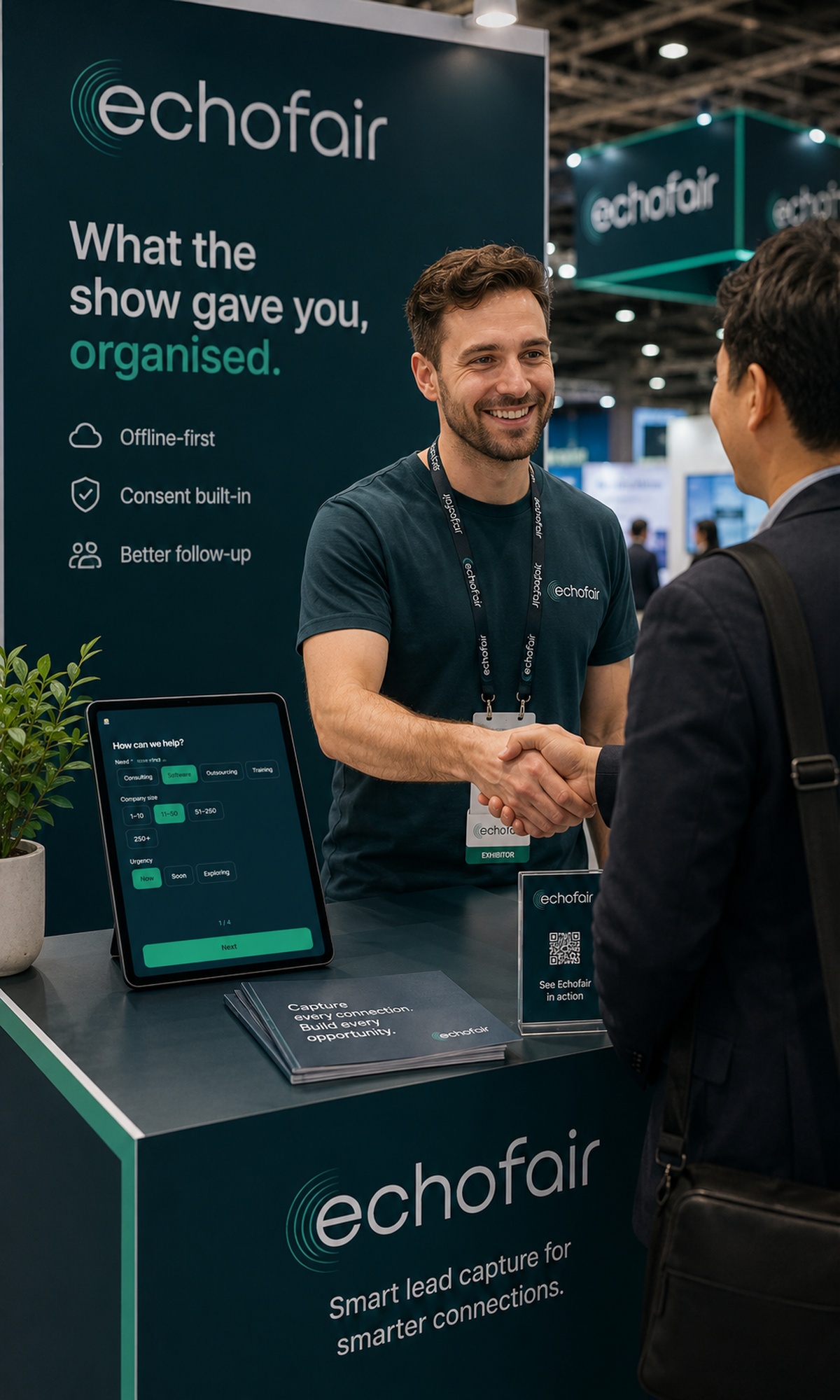



“The wifi is terrible.”
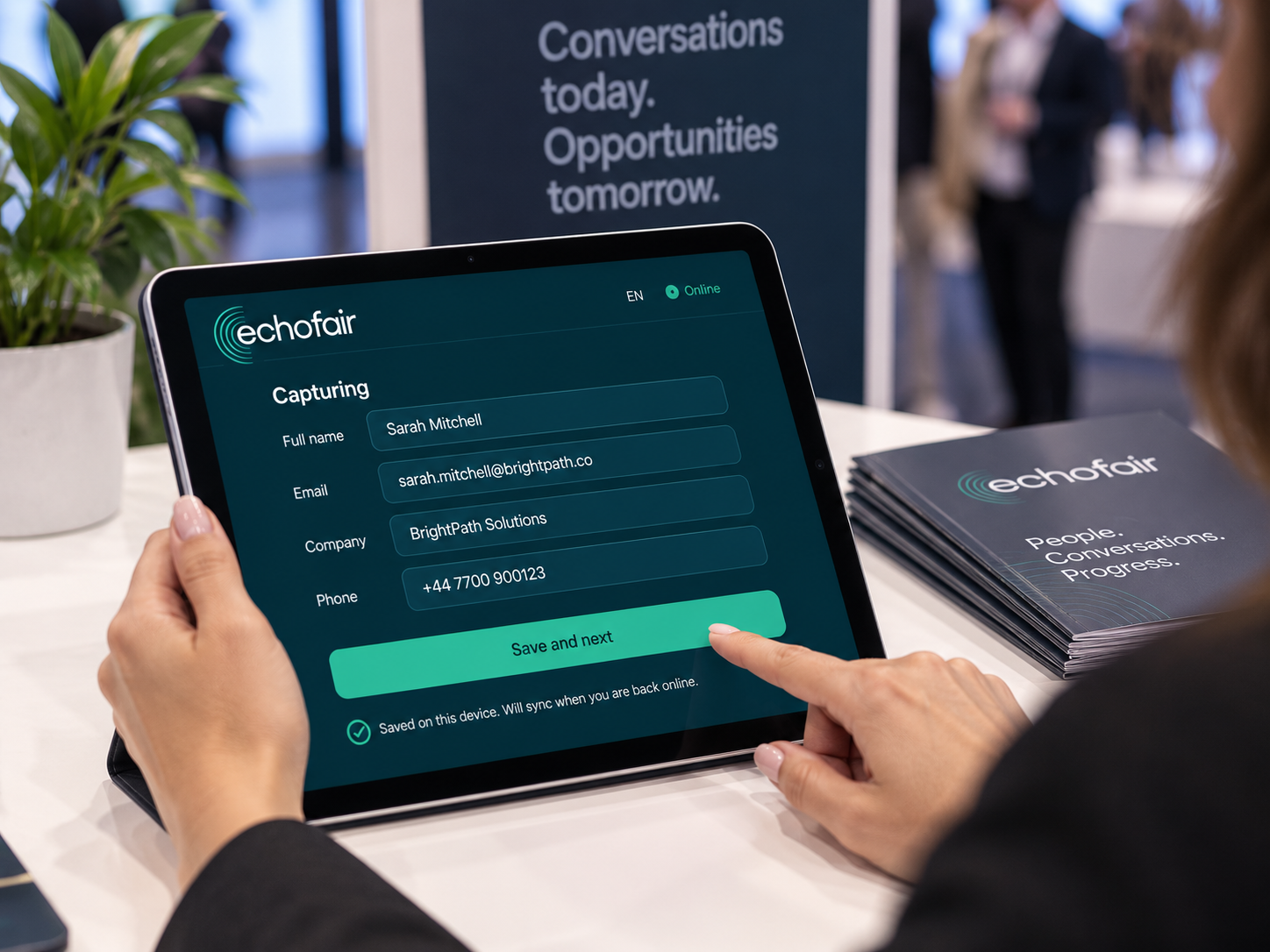
Which is why nothing here waits for it. Leads are written to the tablet first and sync when there is a network — or in the taxi afterwards.

Lead capture for exhibition stands
A stand gives you three days of conversations. How you keep them decides how many turn into customers. Echofair captures every visitor with proof of their consent, works when the hall wifi does not, and hands you the whole list the day the show ends.
Business cards
Typed up two weeks later, by nobody.
A spreadsheet
Until the wifi drops and the addresses have typos.
Echofair
Forty seconds, offline, with consent attached.
The choice
Nobody chooses to lose leads. It happens because the method chosen on the morning of day one could never have held them.
| Business cards | A spreadsheet | Echofair | |
|---|---|---|---|
| Seconds per visitor | None — and 3 minutes each, later | About 90 | About 40 |
| Works with no network | |||
| Proof of consent | A tick nobody can produce | Timestamped, per person | |
| Arrives in your CRM | Copy and paste | Automatically | |
| What it costs per show | Free | Free | From 0 €, then 49 € |
| Who ends up with the list | Whoever has the pile | You, half of it | You |
Your leads go wherever you already work
















The problem
Most stands lose their best conversations to a stack of business cards. Echofair captures each visitor in under a minute and hands you the whole list, organised, when the show closes.
Four days of conversations become a pile nobody types up. By the time anyone does, the show is a blur and the context is gone.
The one thing you cannot control at a stand is the network. A tool that needs it is a tool that stops working at the worst moment.
A spreadsheet of names you cannot prove anyone agreed to is a list you are not allowed to email.
A show, end to end
At the stand
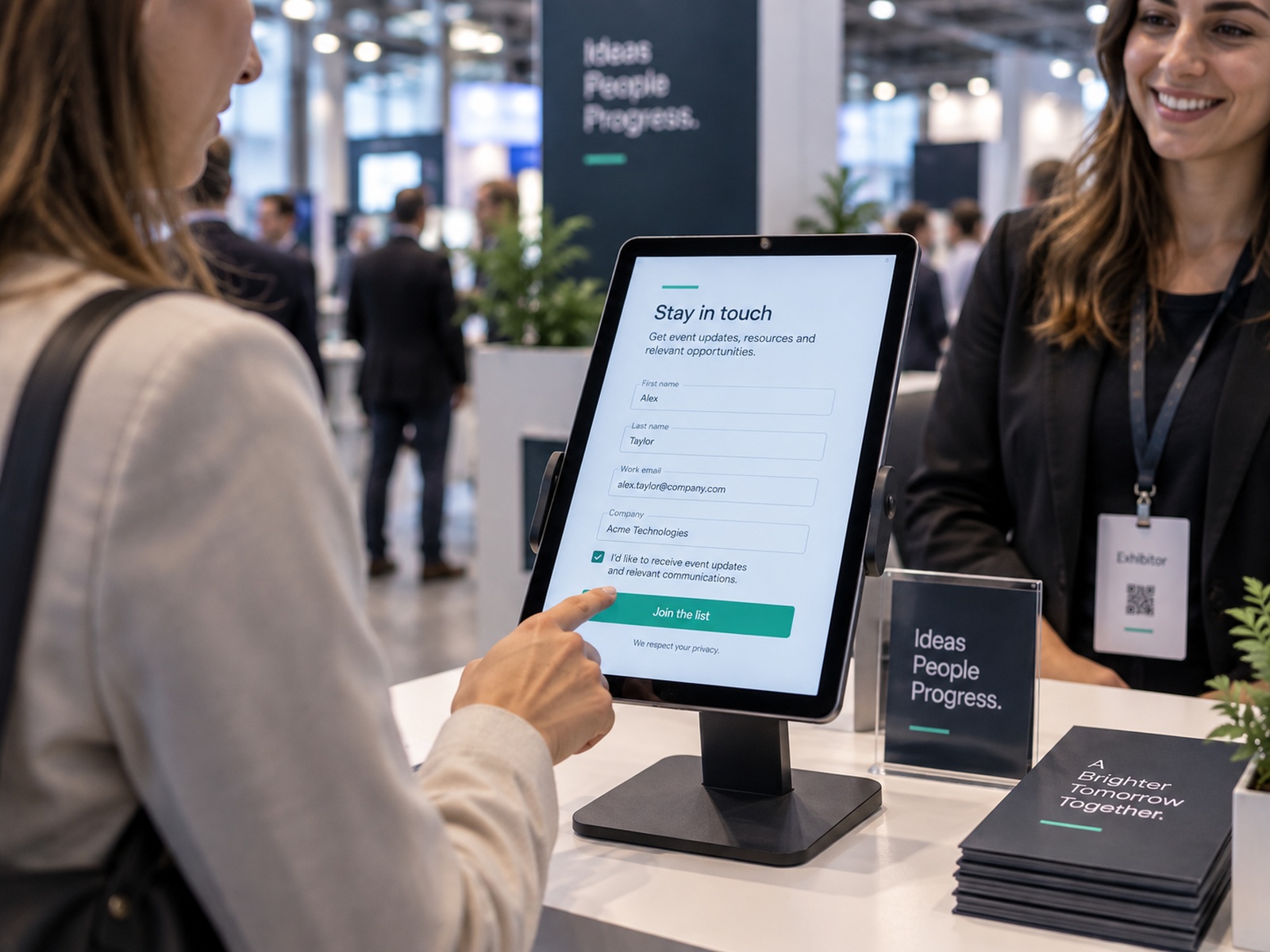
No app store, no install queue, no device management. Open the link on any tablet, laptop or phone and press Install. Dark by default, large touch targets, readable under hall lighting.
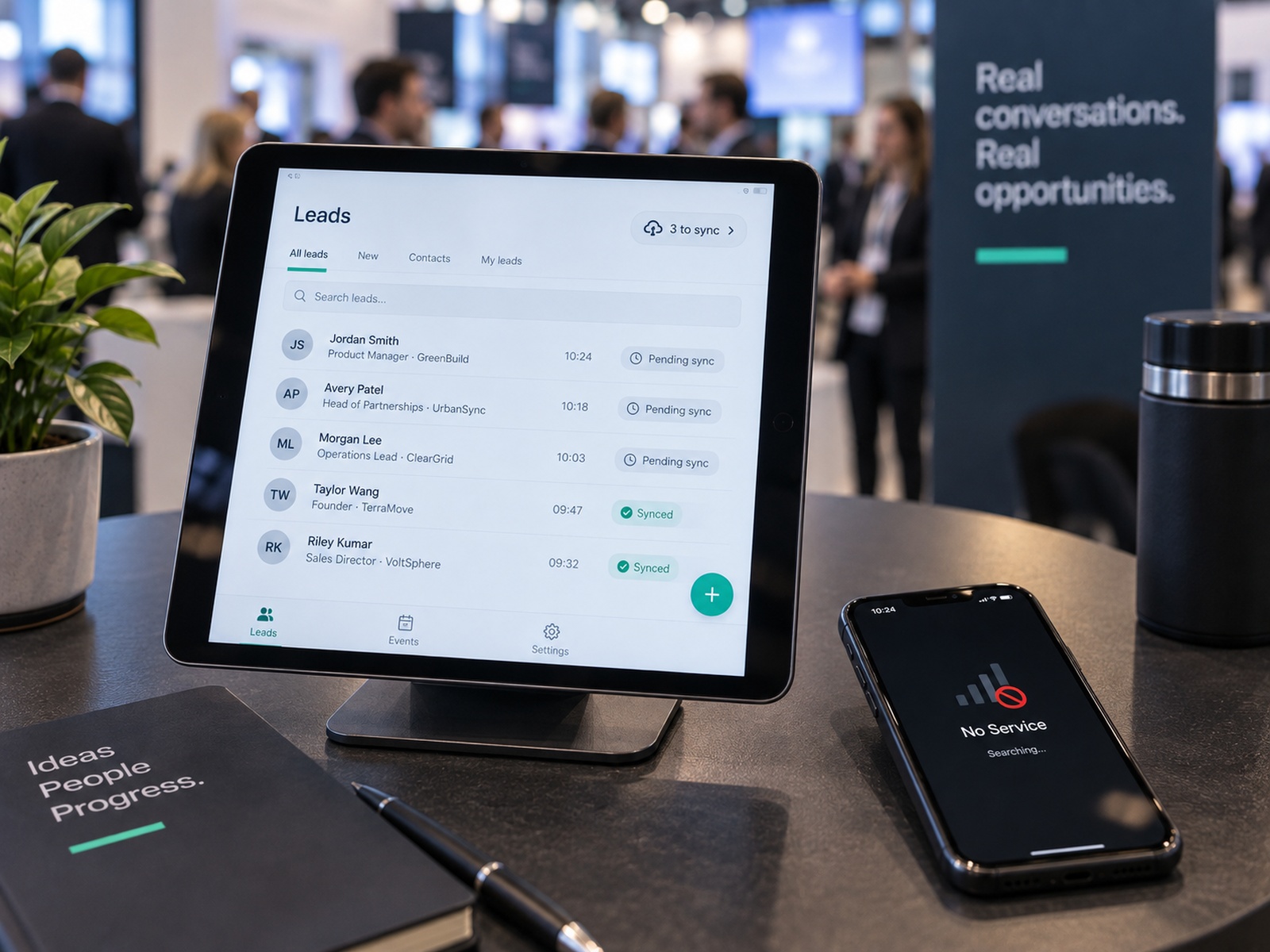
When the network goes
Every lead is written to the device before anything else happens. When a network comes back it drains in the background, and a lead that arrives twice is stored once — so a rep who taps save again never creates a duplicate.
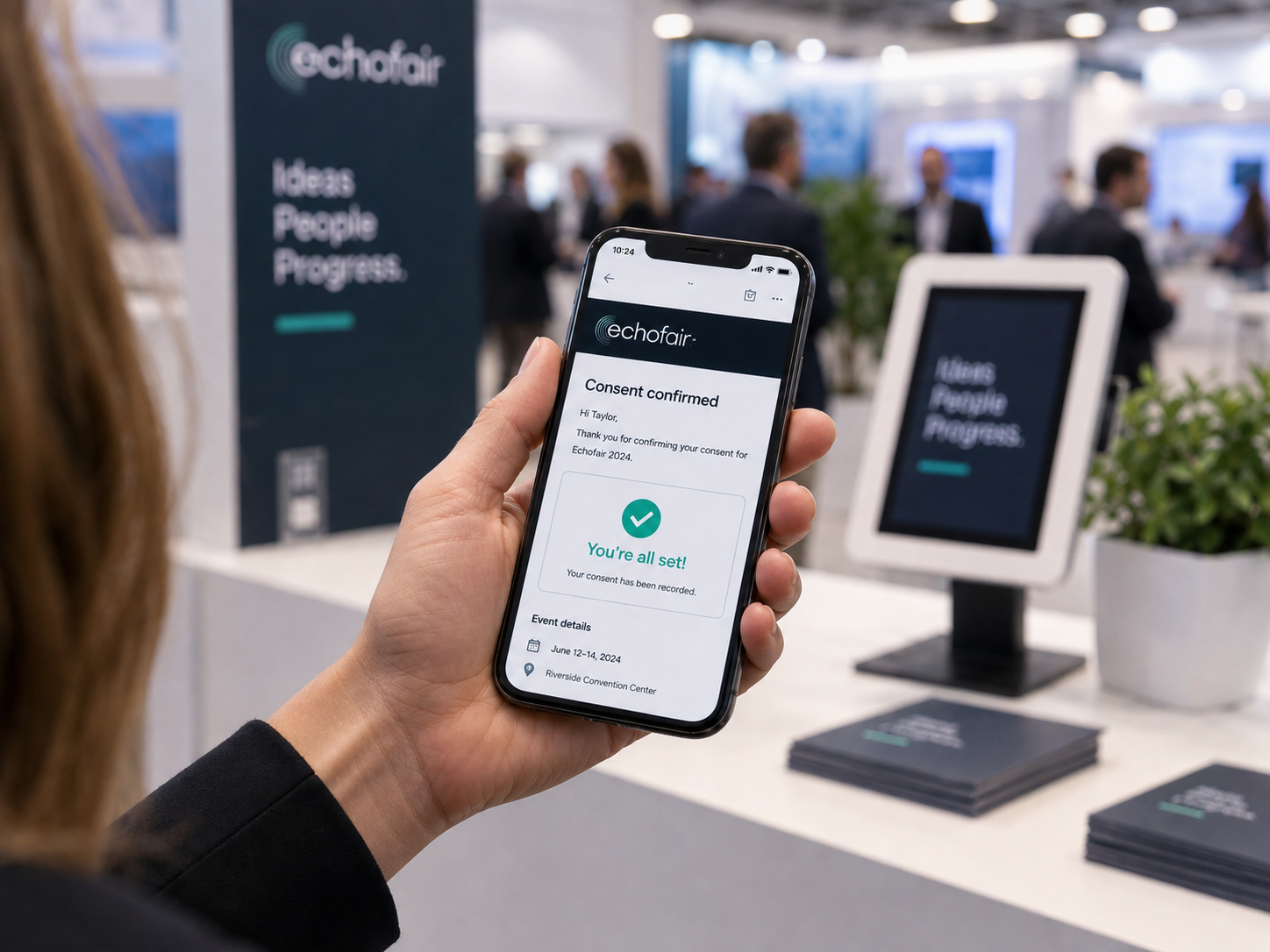
The part nobody else has
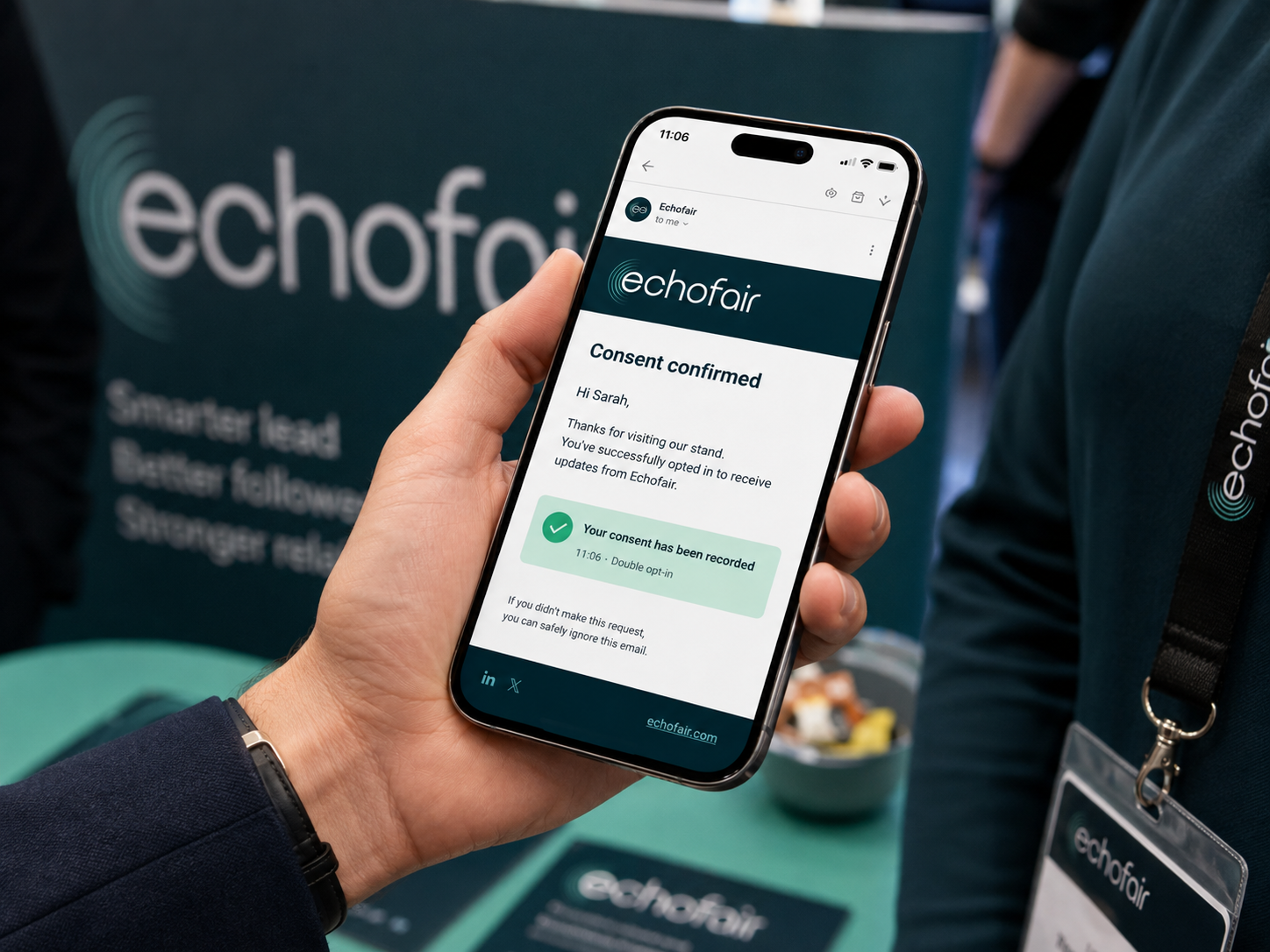
One tap from the visitor turns a claimed consent into a timestamped one. The exact wording they agreed to is stored with its version, so a record from day one is still reconstructible on day four.
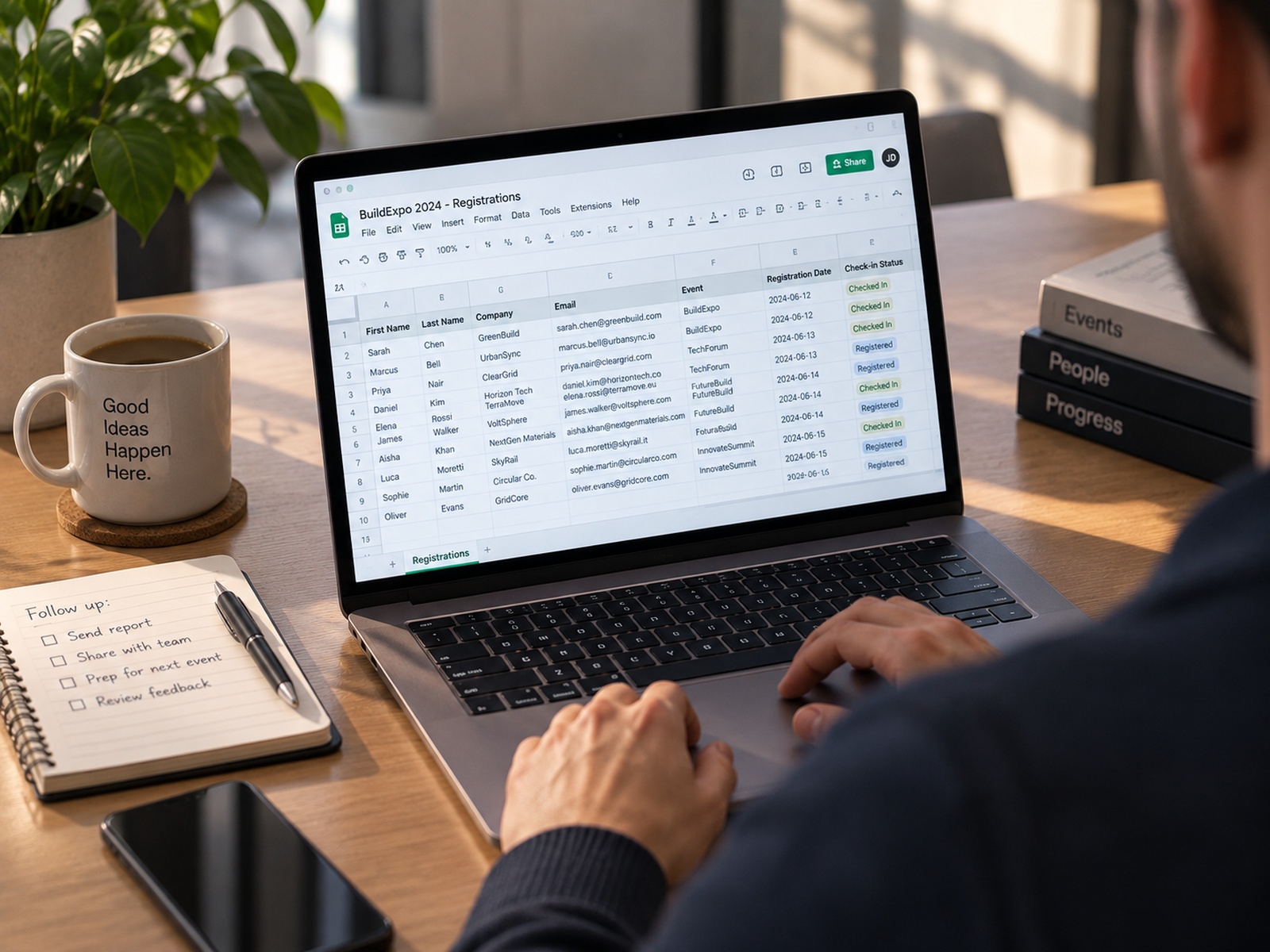
The morning after
When the show ends the full list arrives by email as a spreadsheet, with a one-page summary you can forward to whoever asked for it. Every field, in the order you designed the form.
How it works
Set up on the Monday, capture all week, read the list on the Friday. There is no fourth step and nothing to maintain between shows.
Start freeBuild the form by dragging blocks — questions, headings, product pictures — into steps. A few minutes on the web, once.
Your team taps through it on any tablet. It works when the hall wifi does not, and every visitor gets a confirmation email instantly.
When the show closes, the full list arrives as a spreadsheet with a one-page summary you can forward on.
Consent
When a visitor gives you their details, they get an email to confirm. That confirmation is a timestamped, double opt-in record of consent, stored against the lead and exportable whenever you need it. Per event, you can switch to a notice email instead — the tick at the stand is the consent and the email tells them so.
If a data protection authority ever asks how you collected a contact, you have the answer, per person, with a date. This is the difference between a list of names and a list you are allowed to use.
Read how consent worksConsent record
After the show
Enter what the stand cost, mark which leads turned into something — or let us read it back from your CRM — and the answer is a number you can put in front of whoever signs off next year’s budget.
Closed revenue and open pipeline are shown separately and never added together. A single blended figure is how this kind of report misleads the person reading it.
Start freeReturn on the stand
14.000 €
Stand cost
312
Leads
44,87 €
Cost per lead
2,4×
Closed return
Illustration, not a customer.
Integrations
Push a show's list into your CRM in one click, or let every lead arrive as it is captured. Nobody who asked to be left alone is ever included.
A contact record for a salesperson to work, with the deal value coming back the other way.
The lead arrives subscribed only if you are actually allowed to email them. That is what the consent record is for.
No CRM, no problem. A row per lead in a file you already have open — for most stands this is the whole integration story.
One webhook into Zapier or Make and the lead goes wherever you like — Slack, an invoice, a text to the sales manager.


Not on the list? There is an API and signed webhooks.
≈40s
to capture one visitor
Which is roughly how long they stay.
100%
of leads carry a consent record
Not a setting. There is no way to capture one without.
0
leads lost to hall wifi
Captured on the device first, synced when there is a network.
30
days an event stays open
From the moment you activate it. Credits never expire.
Pricing
You exhibit a few times a year, so you should pay a few times a year. Buy an event when you need it, keep your leads forever, and never pay for a month you are not on a show floor.
0 €
One event, up to 50 leads
49 € 69 €
per event · unlimited leads
129 € 179 €
per event · unlimited leads
129 € 179 €
3 events · 43 € each
Credits never expire, so a pack bought now covers next February.
Start free229 € 319 €
6 events · 38 € each
Credits never expire, so a pack bought now covers next February.
Start free329 € 439 €
3 events · 110 € each
Credits never expire, so a pack bought now covers next February.
Start free599 € 799 €
6 events · 100 € each
Credits never expire, so a pack bought now covers next February.
Start freeAll prices exclude VAT. Pay by card.
The objections
Which is why nothing here waits for it. Leads are written to the tablet first and sync when there is a network — or in the taxi afterwards.
Six finished forms for your trade, consent wording written. Pick one, change two labels, start capturing.
Forty seconds a visitor, four fields, one thumb. There is nothing to learn and nothing to log into.
Every lead carries a timestamped consent record, with the exact wording shown and its version. By default the visitor confirms from their own inbox, which is the strongest form of it.
Cost per lead, closed revenue and open pipeline — kept apart, so the number you present is one you can defend.
The first event is free, up to 50 leads, and there is no card to enter. Find out on your own stand.
Start freeFeatures
A lead capture tool built for exhibition stands. Works offline, confirms consent automatically, and turns four days of conversations into one clean spreadsheet.
Every lead is saved on the device and syncs when the network returns. You will not lose one to a spinner.
Each visitor confirms by email. You keep a timestamped record for every lead, ready to show if anyone asks.
Drag questions into rows and columns, add your product pictures as choices, and show a field only when an earlier answer calls for it.
Upload your logo, pick your colours, and the capture screen and confirmation email are yours. The visitor sees you.
Leads by hour, by rep, by product, and a sync-health panel that goes red before anyone at the stand notices.
No app store, no install queue. Open the link on any tablet, laptop or phone and press Install.
Spreadsheet, API, or straight into HubSpot, Pipedrive, Salesforce, Mailchimp, Google Sheets and six more. Your data, your way out.
A QR poster on the stand lets visitors register on their own phone while your team is busy.
Type an email and the tablet says they visited you at the last show, and what they asked about. Works with no network, and it never puts an address on the device.
Draft the thank-you and the day-three email before the show. Each one sends itself, and only ever to people who confirmed.
Six ready forms for hospitality, food, industry, services and retail — questions written, consent wording done. Change what does not fit.
Questions
Nothing you notice. Every lead is written to the device before anything is sent, and the queue drains on its own when a network returns. A lead that syncs twice is stored once, so nobody creates a duplicate by tapping save again.
No. The capture station is a web page — open the link on any tablet, laptop or phone and press Install to get a full-screen icon. There is no app store review, no device management, and no update to push mid-show.
By default it is a double opt-in: the visitor confirms from their own inbox, and we store when they were captured, when they confirmed, the exact wording they agreed to, its version, and which device took it. You can run an event on a notice email instead, where the tick at the stand is the consent — lawful, and a weaker record, and the record says which one it is. We are not your lawyers, but that is the evidence a data protection authority asks for.
Nothing. There is no subscription to lapse. You buy an event, it stays open for 30 days, and your leads and their consent records remain in your account and exportable afterwards.
On every plan, the free one included. Upload your logo and pick your colours, and the capture screen and the confirmation email are yours — the visitor sees your company, not ours, apart from one small line in the footer.
One device on Starter, five on Pro, unlimited on Business. Each device pairs with a six-character code typed into the dashboard — no accounts on the tablet, nothing to install, and every lead is attributed to the device that took it.
The dashboard and the visitor form are separate layers: your team can run the dashboard in one language while visitors read the form in another, and each visitor can switch the form to their own before they start. Their consent email arrives in the language they chose.
That is what the return page does. You enter the stand cost once and mark which leads turned into something — or connect a CRM and we read the deal stages back. It prints cost per lead, closed revenue and open pipeline, and it keeps the last two apart rather than blending them into one flattering number.
HubSpot, Pipedrive, Salesforce, Zoho, Brevo, Mailchimp, ActiveCampaign, Google Sheets, Airtable and Notion all connect from the settings page on Business, and Zapier or Make reach everything else. There is also a REST API and signed webhooks if you would rather build it yourself. Nobody who has unsubscribed is ever included, and by default nor is anyone whose consent is unconfirmed.
Set up your first event in minutes. The first one is free, up to 50 leads, and there is no card to enter.